How to organize a movie watchlist you'll actually use
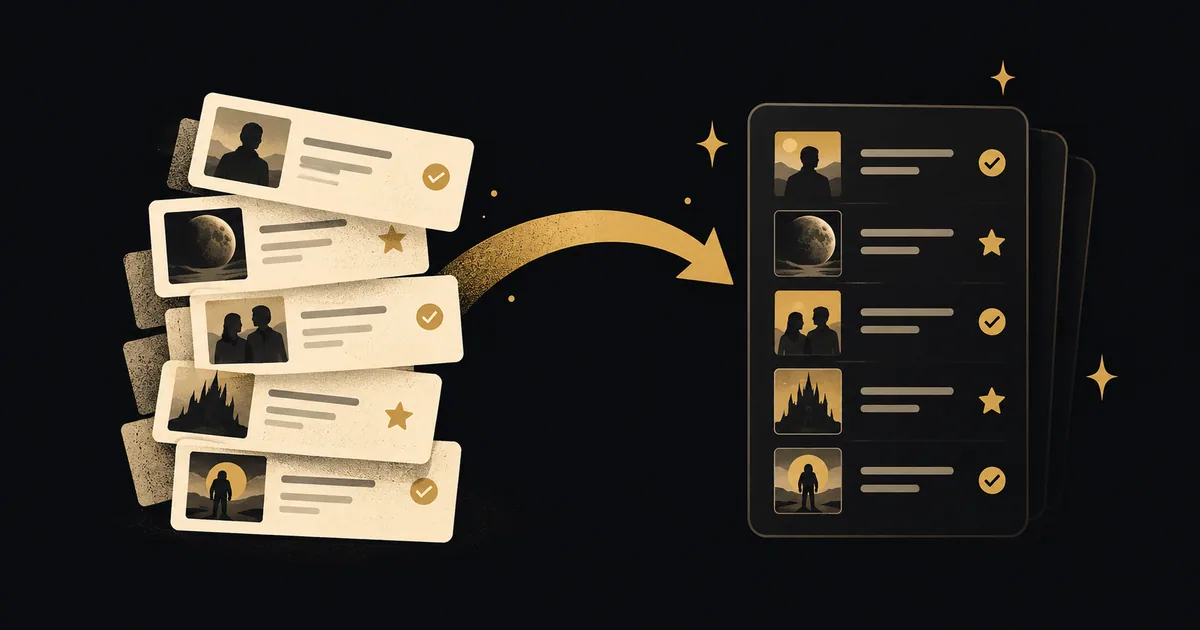
To organize a movie watchlist, keep one main collection of films you want to see and a small shortlist for your next viewing. Separate watched films, record why you saved each pick, and remove titles you no longer want.
By LazyWatch5 min read

To organize a movie watchlist, keep one main collection of films you want to see and a small shortlist for your next viewing. Separate watched films, record why you saved each pick, and remove titles you no longer want.
You can do this in a note, a spreadsheet, or a movie tracker. You don't need to sort every film you've ever saved before choosing something tonight.
How to organize a movie watchlist in 5 steps
Start with the part of your list you'll use next:
- Gather your saved films in one place.
- Separate films you've watched from films you still want to see.
- Pick a small “next up” shortlist.
- Add categories only when they help you choose.
- Review the shortlist after you watch something.
Try 5 films for “next up.” That's a suggested starting point, not an app limit or a rule about how many films you should want to see. If 3 works better for you, keep 3.
Your main collection can stay much larger. A film you're saving for a rainy Sunday doesn't need to compete with the one you've already agreed to watch tomorrow.
Keep future picks separate from watched films
Before adding categories, check what each entry means.
| Record | What belongs there | Example |
|---|---|---|
| Main watchlist | Films you haven't seen and still want to watch | A recommendation you saved yesterday |
| Next-up shortlist | A few films you're considering soon | Your options for Friday |
| Watched history or diary | Films you've finished | Last night's viewing |
| Custom list | A collection with a purpose, which may include watched films | Films to revisit with your sister |
These are suggested roles for your records. You don't need an app with these exact labels.
A custom list can include something you've already seen. A “comfort films” list would be rather empty if you had to remove every favorite after watching it again. Keep the watched status accurate while leaving the collection intact.
In LazyWatch, Watchlist holds movies saved for later. Watch Later is the name for shows. The movie walkthrough explains how movies sit alongside your shows, while your watched films have their own diary.
If your main concern is remembering when you saw a film, our movie diary app comparison covers that separate decision.
Make a shortlist for your next viewing
Open your saved films and choose a handful you'd be happy to watch soon. Don't start by ranking the entire collection.
For each candidate, ask whether you have time for it and whether you're in the mood for that kind of film. If someone else is watching with you, check that it's a choice you both want.
A practical shortlist might have a comedy for a tired evening, a longer film for the weekend, and the recommendation your friend keeps asking about. Those choices have different reasons to be there.
Keep “next up” as a custom list or a short section in your note. These suggested list names aren't built-in LazyWatch controls. You choose them.
When you finish a film, record the viewing and take it off this shortlist if you're done considering it. You can add another saved pick when something catches your attention. There's no need to refill every space immediately.
Choose categories that change your decision
Genre is useful, but it doesn't answer every watching question. Two thrillers might suit very different evenings.
Build a category around a choice you actually make:
- Short evening: Films whose runtimes fit the time you usually have.
- Watch with someone: Picks you're saving for a particular person.
- Comfort rewatches: Films you want to return to.
- Weekend films: Longer or more demanding picks you want time for.
These are examples, not a required set. Keep one category if that's enough.
Avoid giving every film several labels before you've tried the system. If you never choose a movie by decade, sorting your whole list by decade probably won't help tonight.
LazyWatch's custom lists can mix shows and movies. Use a list for a purpose such as “watch with Dad,” while keeping individual film status in Watchlist or your watched record. Don't use a heart as shorthand for “save for later.” Favorites are for titles you love.
If you're using Letterboxd, its official welcome guide documents a Watchlist for films you want to see and separate custom lists. It also distinguishes a watched flag from a dated diary entry. You can use the same shortlist approach there without changing apps.
Remember why you saved a film
A title can stay on your list for months while the reason you added it disappears.
Where your chosen tool supports notes or descriptions, leave a short reminder. In a spreadsheet, add a “why I saved it” column. In a plain note, put the reason beside the title.
“Recommended by Lina after our last film night” tells you something a star score can't. “Save for a quiet weekend” tells you why you haven't picked it on a Tuesday.
Keep plot details out of reminders you're sharing with someone who hasn't watched the film. A recommendation doesn't need to explain the ending to make its case.
If your app doesn't support a note on each saved title, a purpose-based list can carry some of that context. “Lina's recommendations” is more informative than a collection named “other.”
Check availability when you're ready to watch
A saved film isn't a promise that it'll be available through your current subscriptions.
Before you settle on a pick, check the streaming service in your country. If renting or buying is an option, decide whether you want to pay for that film tonight.
You can keep a brief availability note in a manual record, but recheck it before relying on it. Don't spend your evening maintaining provider labels for hundreds of films you aren't planning to watch soon.
If a shortlist pick isn't available in a way that suits you, leave it in the main collection and choose another option. It doesn't have to vanish from your watching plans forever.
Clean up without treating your watchlist like homework
After a viewing, record what you finished. When you next open the shortlist, check whether the remaining picks still interest you.
For the larger collection, start with titles you no longer recognize. If you can't remember why you saved one, read a spoiler-free description. Keep it if you're interested. Remove it if you aren't.
You don't owe a film a viewing because you saved it 2 years ago. And you don't have to delete a film you're still curious about because it hasn't reached the shortlist yet.
If the sticking point is agreement with other people rather than organization, our movie-night picker comparison covers ways to make that choice together.
For series, you'll also need a record of your last completed episode. Our TV tracking guide explains that routine without mixing episode progress into a movie list.
Once you've picked and watched a film, you might have more to say than “seen it.” LazyWatch gives each movie a comment section, so your record can lead into a conversation with other fans. Keep tonight's choices small enough that you get to the film, and the conversation afterward.
:::cta Get the app | /early-access
Common questions
How many movies should I keep on my watchlist?
There's no required limit. Keep your main collection as large as you find useful, but choose a separate shortlist small enough to scan before watching. Try 5 films and adjust if that feels too restrictive.
Should I organize movies by genre or mood?
Use whichever distinction changes your choice. Genre helps when you want a particular kind of film. A mood or occasion list helps when you want something comforting, something intense, or a film you've agreed to watch with someone.
What's the difference between a watchlist and a movie diary?
A watchlist holds films you plan to see. A diary records films you've watched. A title can remain on a custom list after you've seen it, but keep its viewing status clear.
Can I keep shows and movies in one place?
Yes. LazyWatch supports both, with Watchlist for movies and Watch Later for shows. Its custom lists can mix shows and movies. Keep an individual movie choice separate from the episode progress of a series.
Sources
- movie watchlist
- watchlist organization
- movie tracking
- what to watch
- movie lists
- viewing history