How to clean up your TV watchlist
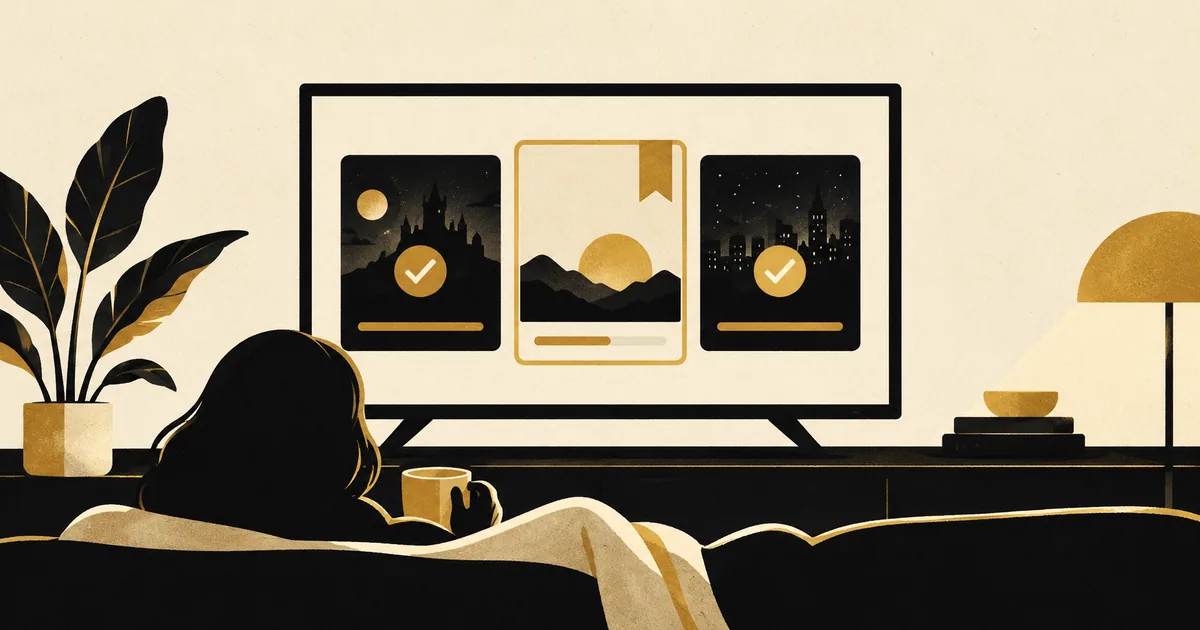
Separate active shows from future picks and shows you've stopped. Keep your real episode history, then tidy your streaming app's Continue Watching row separately.
By Mohammad Alzeer5 min read
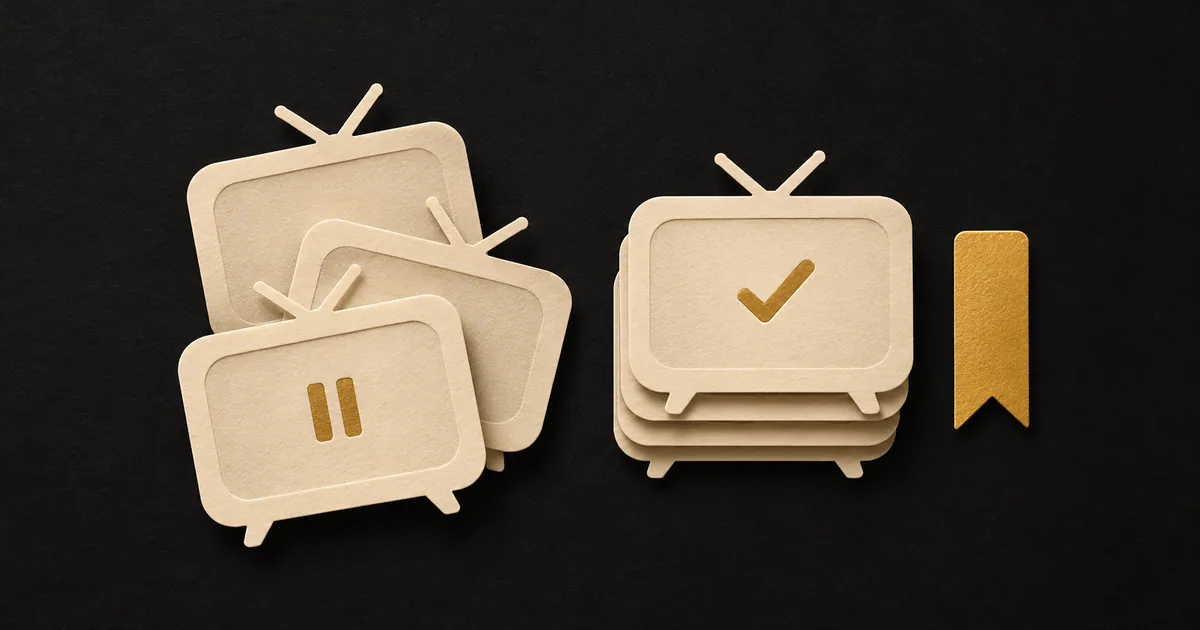
To clean up your TV watchlist, separate shows you're actively watching from saved ideas and shows you've stopped. Keep the episodes you really watched in your history, then remove unwanted titles from your streaming app's Continue Watching row separately.
We publish LazyWatch, and we think a useful watchlist should leave room for changing your mind. Trying 4 episodes of something doesn't commit you to 6 seasons.
This guide is for the half-finished shows and recommendations you no longer want crowding tonight's choices. If you need to recover your episode numbers first, start with our TV progress guide.
How to clean up your TV watchlist
Review each title and decide what you want to do with it now: continue, save for later, pause or stop. Record your last finished episode before changing anything. Then keep your active choices separate from the larger archive, so cleanup doesn't turn into deleting your viewing history.
Start with the list you actually open when you want to watch something. You don't need to tidy every account in one evening.
For each show, ask: “Would I choose another episode this week?” If yes, keep it active. If the answer is no, decide whether you still want to return. “Maybe someday” can stay in a saved list without sitting beside the show you're watching tonight.
A practical cleanup order:
- Remove recommendations you never started and no longer want.
- Check the last finished episode of each unfinished show.
- Separate shows you still want from shows you've stopped.
- Pick a small active selection you can recognize at a glance.
- Clean up the streaming app's home row after you've saved your progress.
Don't mark an entire season watched to make a progress bar look tidy. That changes the record you're trying to keep.
Should a show be paused, stopped or saved for later?
Use “paused” when you expect to return, “stopped” when you don't, and “saved for later” for something you haven't started. These are decisions about your plans. They don't change which episodes you've already watched, and they don't require a verdict on whether the show is good.
Different apps use different labels. A note or spreadsheet can use the plain-language categories below. Don't assume your tracker has a dedicated pause button.
| Your situation | What to keep | What to do with tonight's list |
|---|---|---|
| You want the next episode soon | Last finished episode | Keep it active |
| You like it, but you're taking a break | Progress and a short reason | Put it in a separate return-later list |
| You tried it and won't continue | Episodes you really finished | Record that you stopped |
| You haven't started it | Title and why you saved it | Keep it with future ideas |
| You've seen everything available | Accurate watched progress | Separate it from unfinished episodes |
Being caught up doesn't mean you finished the whole series forever. Likewise, stopping at S1E4 doesn't mean those 4 episodes disappear from your history.
If you share a show with someone, agree before removing it from a joint plan. You might be waiting for a night together rather than losing interest.
How can you remember why you stopped watching?
Write a short note about your reason and the last episode you finished. Keep it specific enough to help your future self: “Finished S2E3. Saving this for winter” says more than “paused.” If you stopped mid-episode, record that separately rather than treating it as a completed watch.
You don't need an essay. A useful note might say:
- “Still interested. Waiting until we both have time.”
- “Finished S1E5. Not enjoying the mystery enough to continue.”
- “Saved on a friend's recommendation. Try the premiere before adding more.”
This also helps when a show suddenly gets talked about again. You can decide whether your reason still applies without rebuilding the whole decision from memory.
Keep plot details in a private place. A shared list title or visible note isn't the place to describe a late-season reveal.
How does LazyWatch help sort unfinished shows?
LazyWatch separates your library into Watching, Watch Later, Up to date, Completed and Stopped watching. Its tracking features keep episode progress alongside those choices. That gives a show you tried a more accurate place than pretending you've finished it.
For older shows you remember starting, Build your history lets you swipe up to say where you stopped. That can help you rebuild a neglected list without treating every familiar poster as a completed series.
Use Watch Later for shows you're saving, and Stopped watching for ones you've given up on. If you're taking a temporary break, keep a note of that intention rather than assuming “stopped” means “return next month.”
The important part is the record: mark what you actually watched. You can leave a show unfinished and still have something worth saying about an episode. Stopping doesn't make your take on the part you saw disappear.
How do you remove shows from Netflix Continue Watching?
Netflix lets you remove a title from Continue Watching through its row controls. On a computer, hover over the title and select Remove From Row. On a TV, open its details and choose Remove from Continue Watching. On mobile, use the title's menu and select Remove From Row.
These steps come from Netflix's Continue Watching help page. Netflix says the feature requires the latest app version.
Save your last watched episode before tidying the row. Your streaming home screen and your personal archive have different jobs.
Be careful with the separate action to hide viewing history. Netflix says hiding a title removes it from the watched record shown in Netflix, stops it informing recommendations unless you watch it again, and removes it from Continue Watching. Choose that action when you want those effects, rather than using it as your first cleanup step.
Other services have their own controls. If your shows span several apps, our cross-service tracking guide explains how to keep a master record outside them.
How do you keep the watchlist from filling up again?
Review your active shows when choosing your next viewing, and save new recommendations separately. Give a title an active spot when you intend to start or continue it. If your interest changes, update the plan without rewriting the history.
A recommendation can remain a possibility. It doesn't need a deadline.
You can also keep movies out of your active TV decisions. Our movie watchlist guide covers saving films and making a smaller shortlist for your next evening.
And if you return to something you've already finished, keep the new pass separate. Our rewatch guide covers preserving the original watch while following the new one.
After cleanup, open your active list and choose an episode you actually want to see. Keep the rest where you can find it when the mood returns.
Get LazyWatch to keep your episode progress and find people talking about the shows you still care about.
Official product and Netflix guidance checked November 22, 2026.
Sources
- TV watchlist cleanup
- unfinished TV shows
- Stopped watching
- watchlist organization
- episode progress